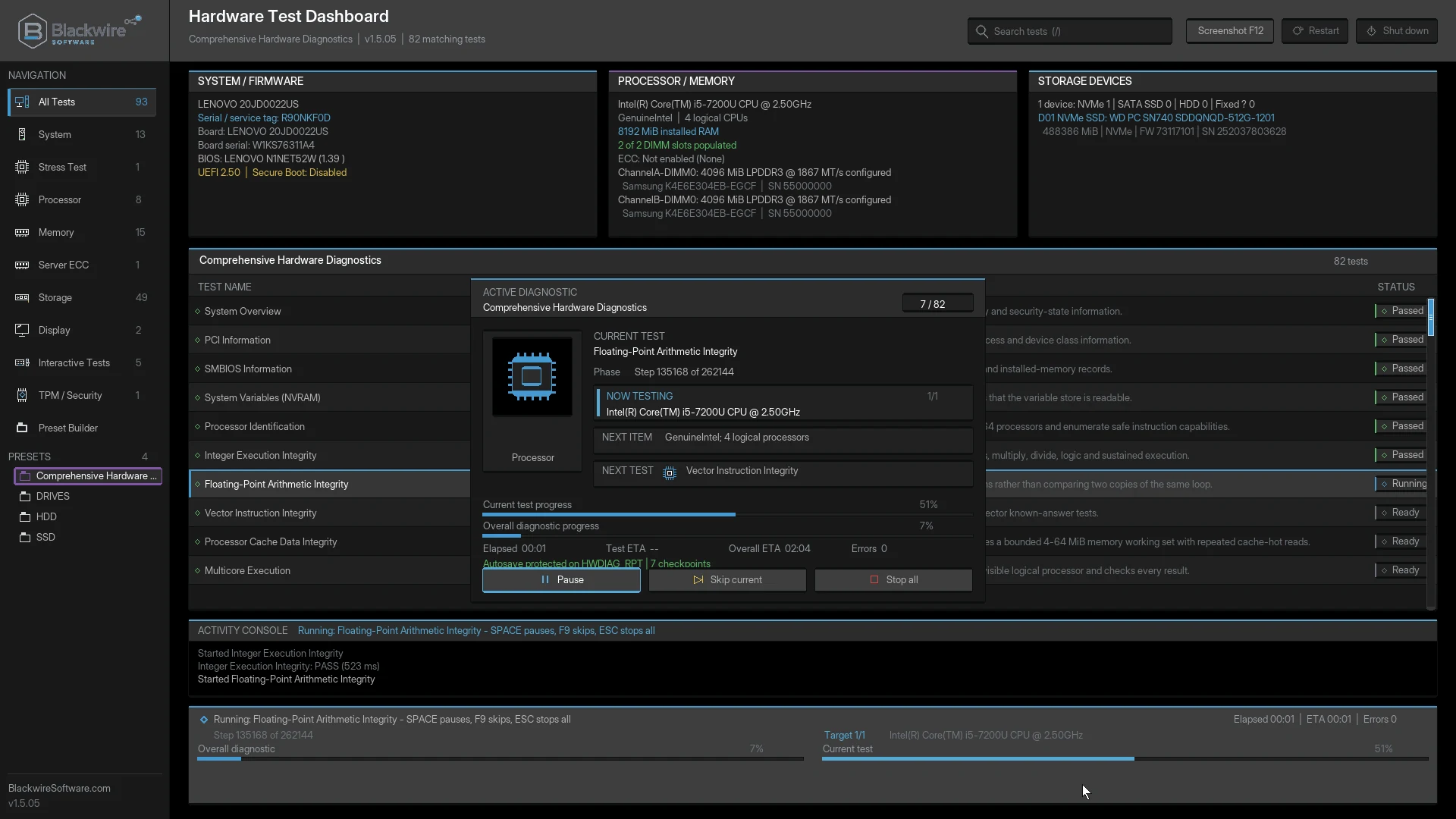
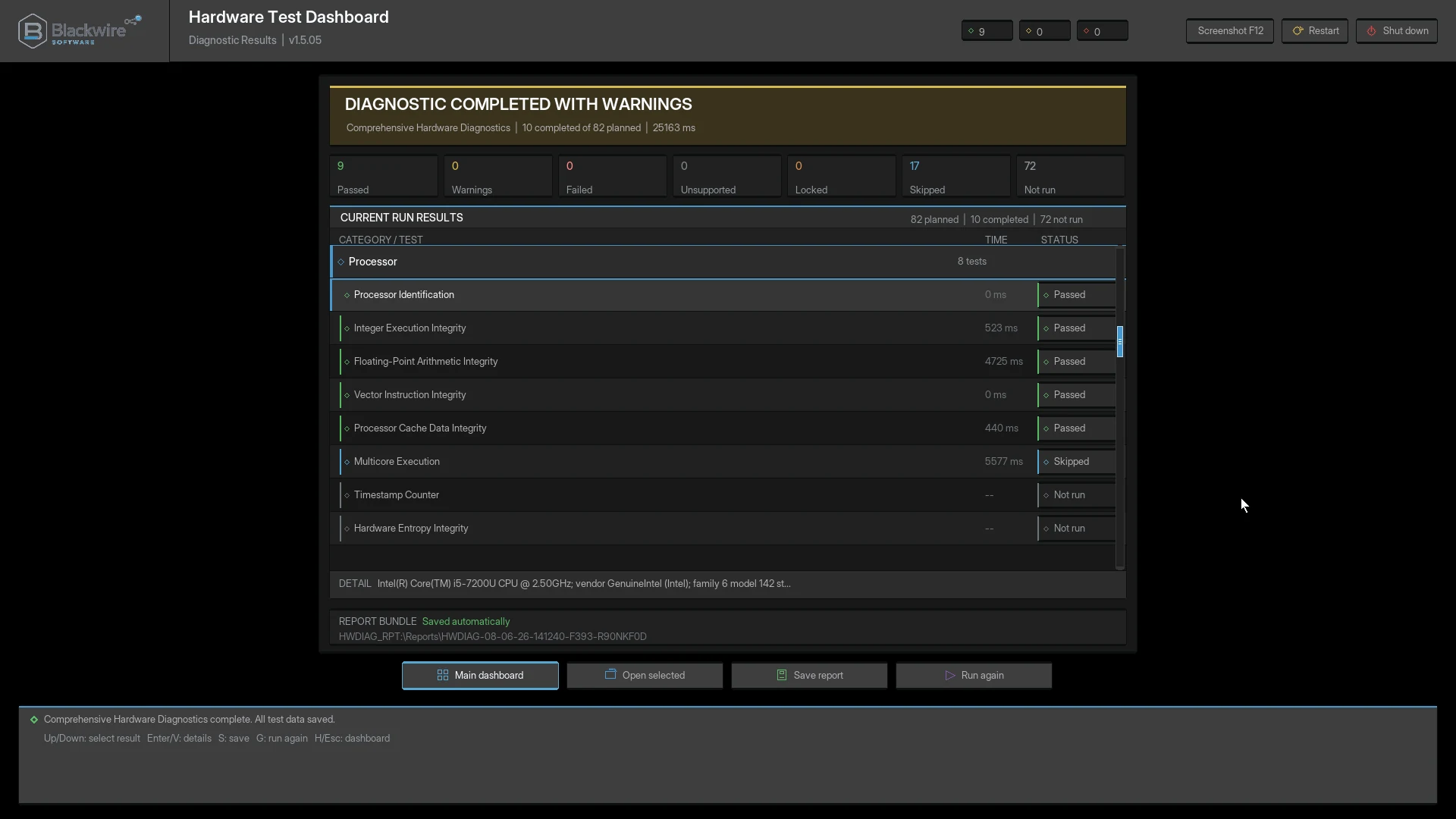
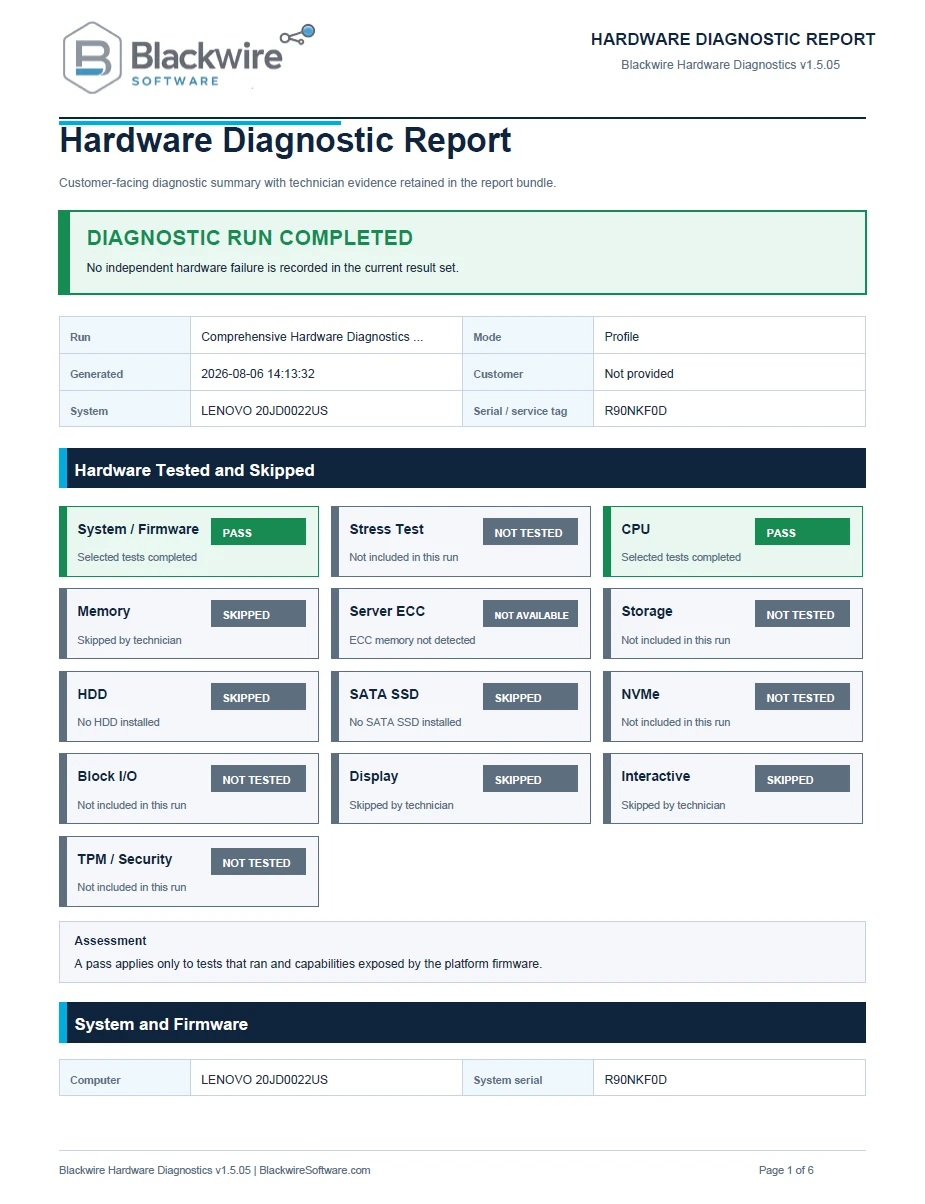
Does it run inside Windows?
No. It boots directly through compatible 64-bit UEFI firmware and runs independently from Windows or another installed operating system.
Why must Secure Boot be disabled?
The current Free and Home releases are not yet signed for broad Secure Boot trust. Most computers block unsigned or independently distributed UEFI applications while Secure Boot is enabled. Disable Secure Boot temporarily, run the diagnostic, and enable it again afterward.
Will disabling Secure Boot erase my files?
Disabling Secure Boot does not normally erase files, but changing firmware settings can cause BitLocker or Device Encryption to request the recovery key. Blackwire strongly recommends suspending BitLocker protection or turning off and decrypting Device Encryption before the change. Save and verify the recovery key, and do not clear the TPM, delete keys, or change unrelated firmware settings.
Should I suspend BitLocker or decrypt Device Encryption first?
Yes, that is strongly recommended. Suspend BitLocker protection, or turn off and decrypt Windows Device Encryption, before changing Secure Boot. Confirm that the recovery key is saved somewhere accessible before restarting.
Does the program erase or format drives?
No. Normal storage diagnostics are designed to be read-only and do not intentionally erase, overwrite, format, partition, repair, or modify user files.
Which profile should a home user choose?
Core is a good first check. Use Standard for broader investigation. Use Extended Test for intermittent problems, used-system evaluation, or when shorter testing did not reproduce the issue.
Can a computer still have a problem after passing?
Yes. A Pass means that specific test did not detect a fault during that run. Intermittent problems may require repeated, extended, or manufacturer-specific testing.
Can the stress test damage a computer?
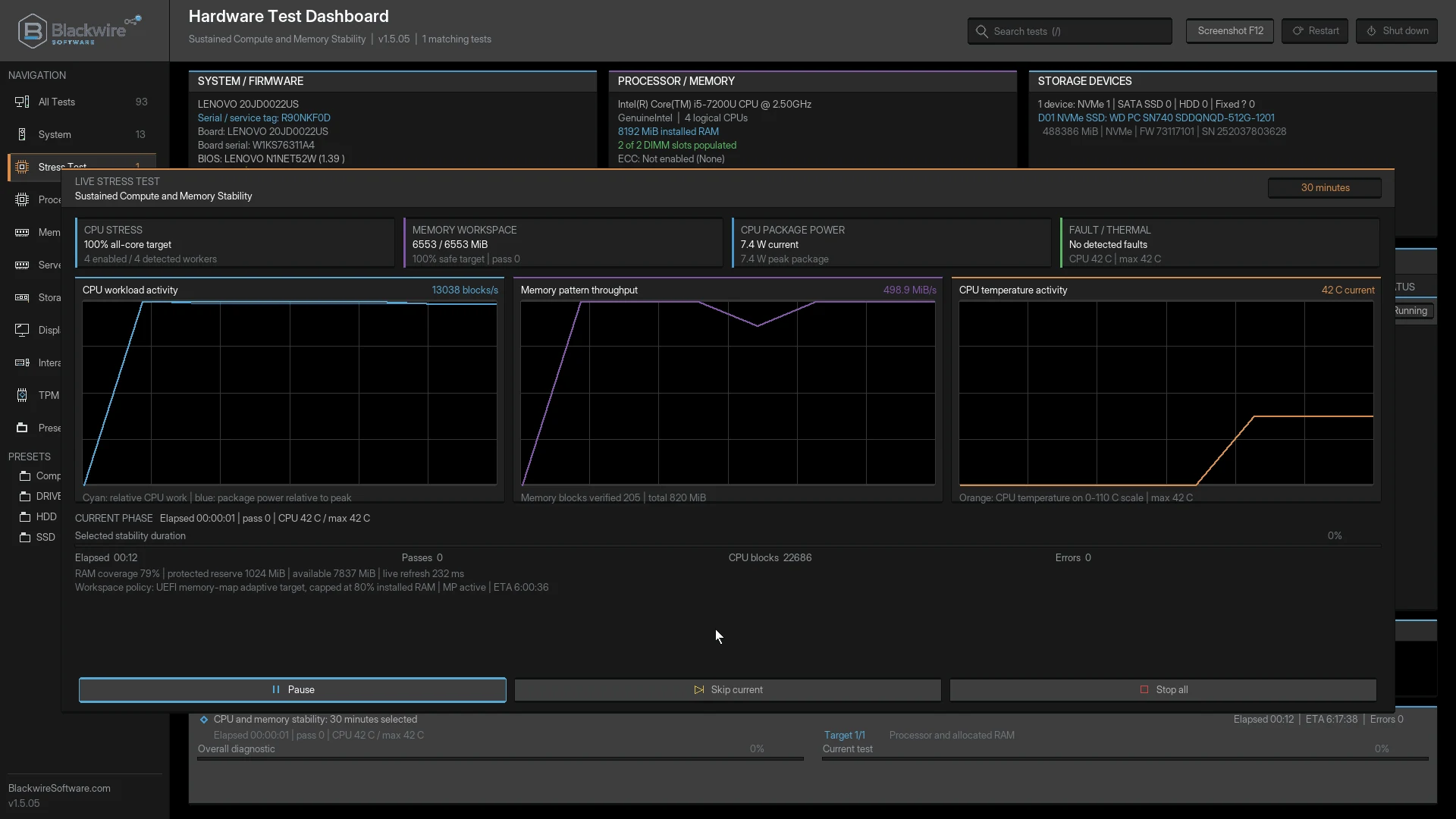
It is designed to apply controlled load rather than intentionally damage healthy hardware. Already-failing hardware may crash, shut down, or expose faults under load. Use adequate cooling and stop for any unsafe physical condition.
Does it support servers and ECC memory?
It can report and test ECC-related information when the motherboard, processor, memory controller, and firmware expose the required evidence. It cannot report correction data that the platform does not make available.
Does it fully test every graphics card feature?
No. It tests supported UEFI graphics output and framebuffer behavior, but it does not replace a full Windows 3D benchmark or every vendor-specific GPU diagnostic.
Where are reports and screenshots saved?
They are saved to the selected writable report destination. Screenshots are stored in a Screen Shots folder. Read-only ISO or optical media cannot be used as the writable destination.
What should I do after a failed test?
Save the report, repeat the test when safe, check related hardware and settings, and consider testing modules or components individually. One failed test may involve more than one component.
Can it diagnose blue screens?
It can help identify hardware faults that may contribute to blue screens, but it does not analyze Windows drivers, applications, registry configuration, or every software cause.