Application intelligence
Application discovery, exact identification, installer-source recovery, MSI/MSP/MST evidence, provenance, and reducing one-off application special cases.

Blackwire Migration is being built to analyze an old Windows PC, package the programs and user data you choose, and restore what it can on the destination PC. When something needs a clean reinstall or reactivation, the goal is to say so instead of pretending the migration worked.
In Development
Blackwire Migration is not released, there is no public download, and there is no planned release date. Features, screenshots, workflows, naming, and capabilities can change as testing continues.
What it is
The long-term goal is simple: make a PC replacement less dependent on reinstalling every application by hand, hunting down old installers, moving user files one folder at a time, and trying to remember how the old machine was configured.
Blackwire Migration is being built around one migration platform, but program migration and profile migration stay separate so the user or technician can choose exactly what gets moved.
Two workflows
Keeping them separate makes it easier to control what moves and avoids treating a user profile copy as proof that installed software is ready on the new PC.
Blackwire analyzes installed applications and the installation evidence available on the source PC. Depending on the program, it may be able to reuse a cached installer, use an exact package identity, restore required files and selected configuration, handle dependencies, and then verify the result.
If a program cannot be safely reconstructed, Blackwire should say that a reinstall is required instead of copying files and calling the job finished.
Profile migration is being designed for user files, Desktop, Documents, Pictures, selected application data, profile-specific configuration, and applicable per-user Windows state.
A migration can include one Windows user profile, or no profile at all when the job is programs-only. Technician-oriented workflows are expected to expand that capability later.
Development preview
These are screenshots from the active Alpha build. They are development previews, not final-release artwork, and the interface may change as the migration engine is refined.
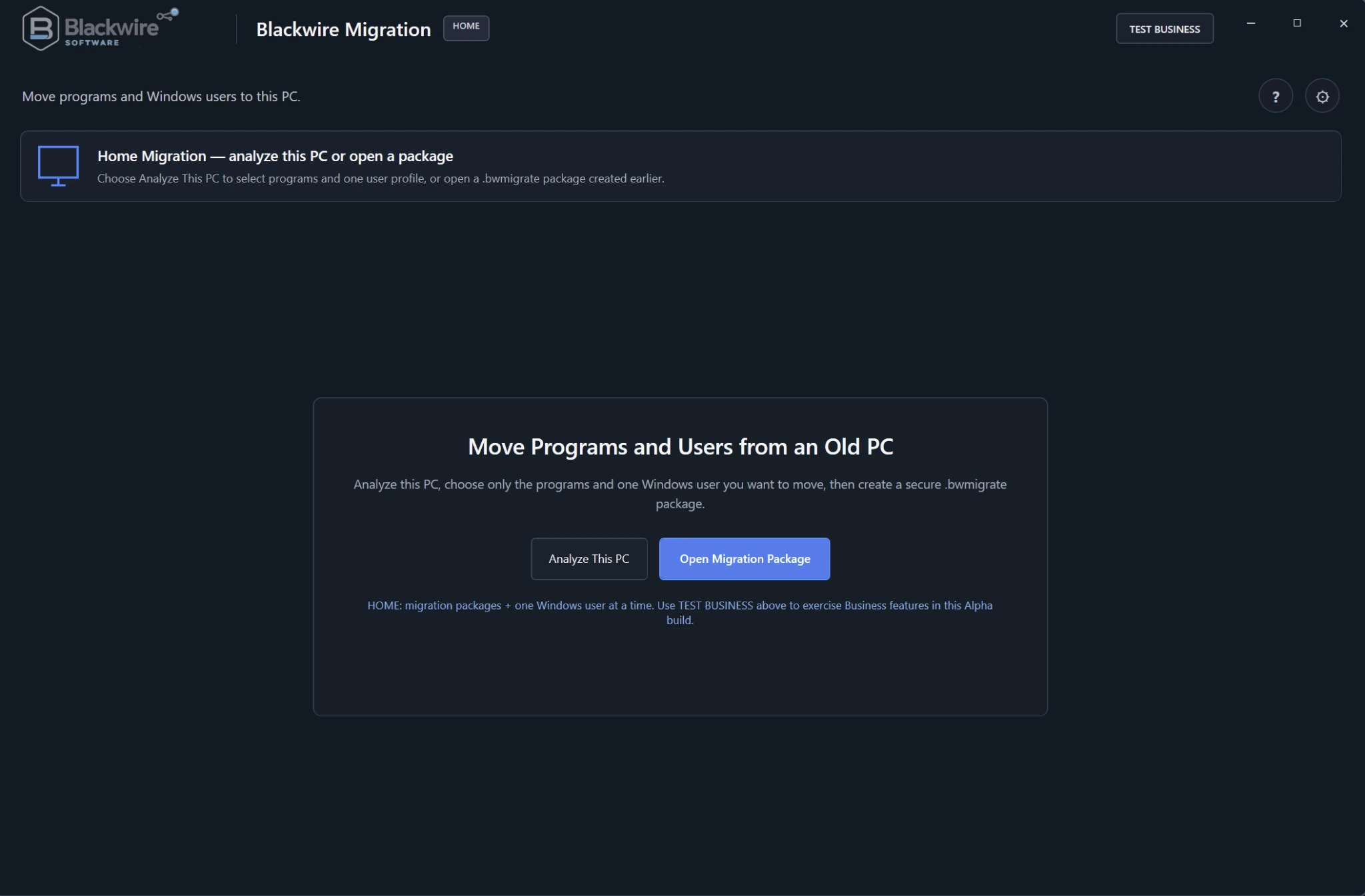
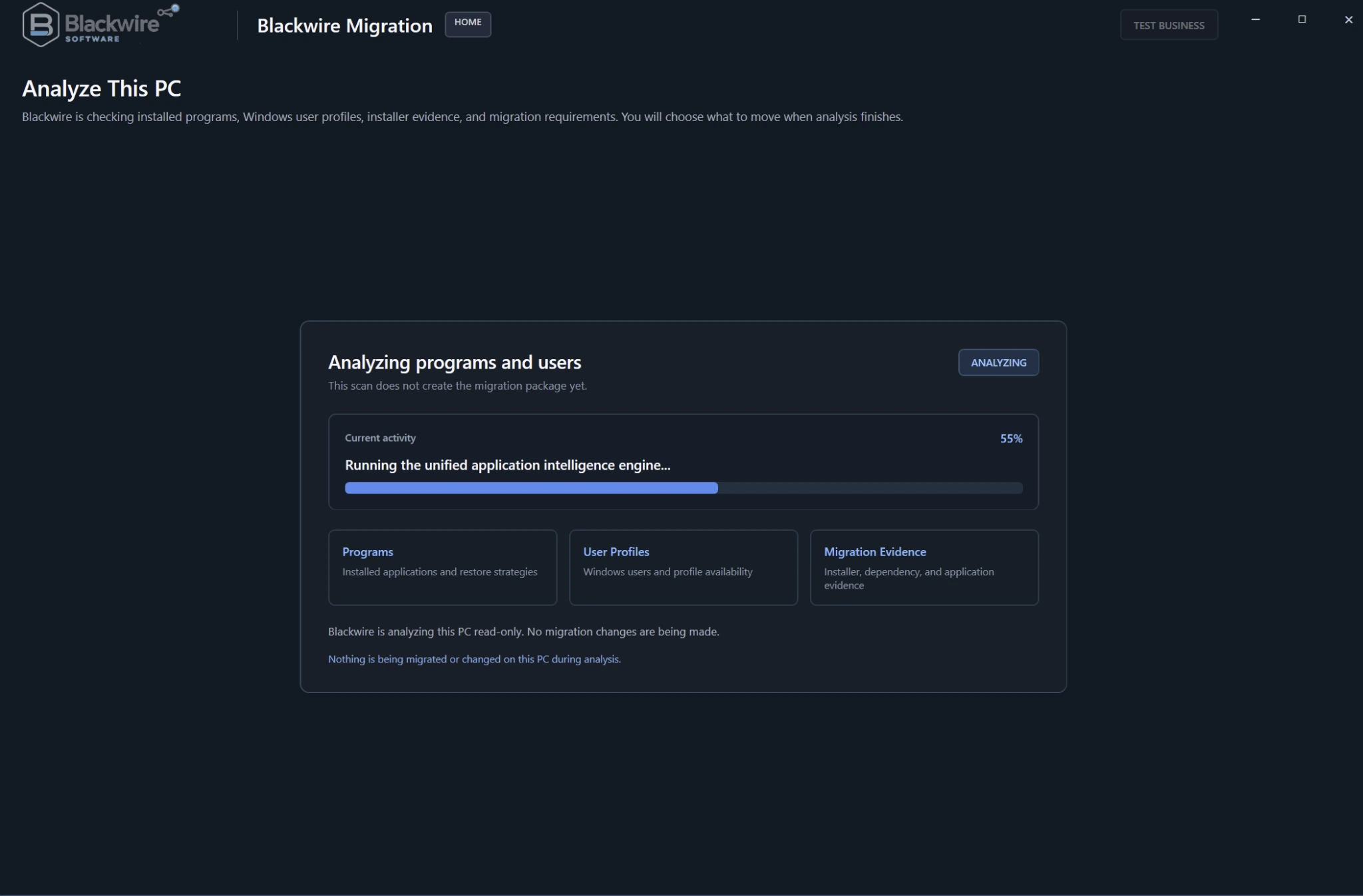
The Home workflow can analyze the current PC to build a new migration package or open a package that was created earlier.
The goal is to keep package creation separate from destination-side restore so the migration file can be moved to the new computer and reviewed there.
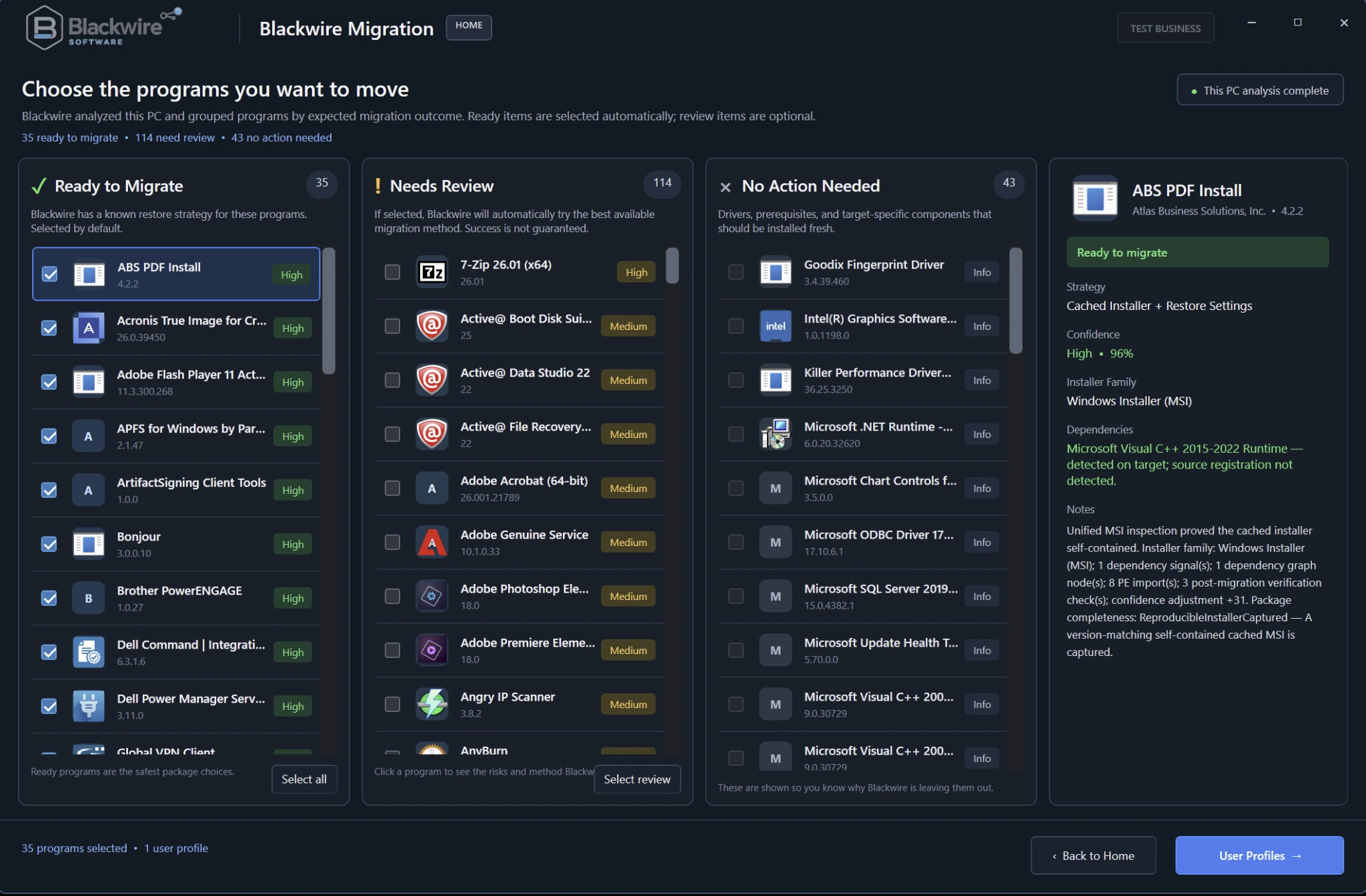
Programs are grouped by expected outcome so ready items can be separated from applications that need review or do not need migration action.
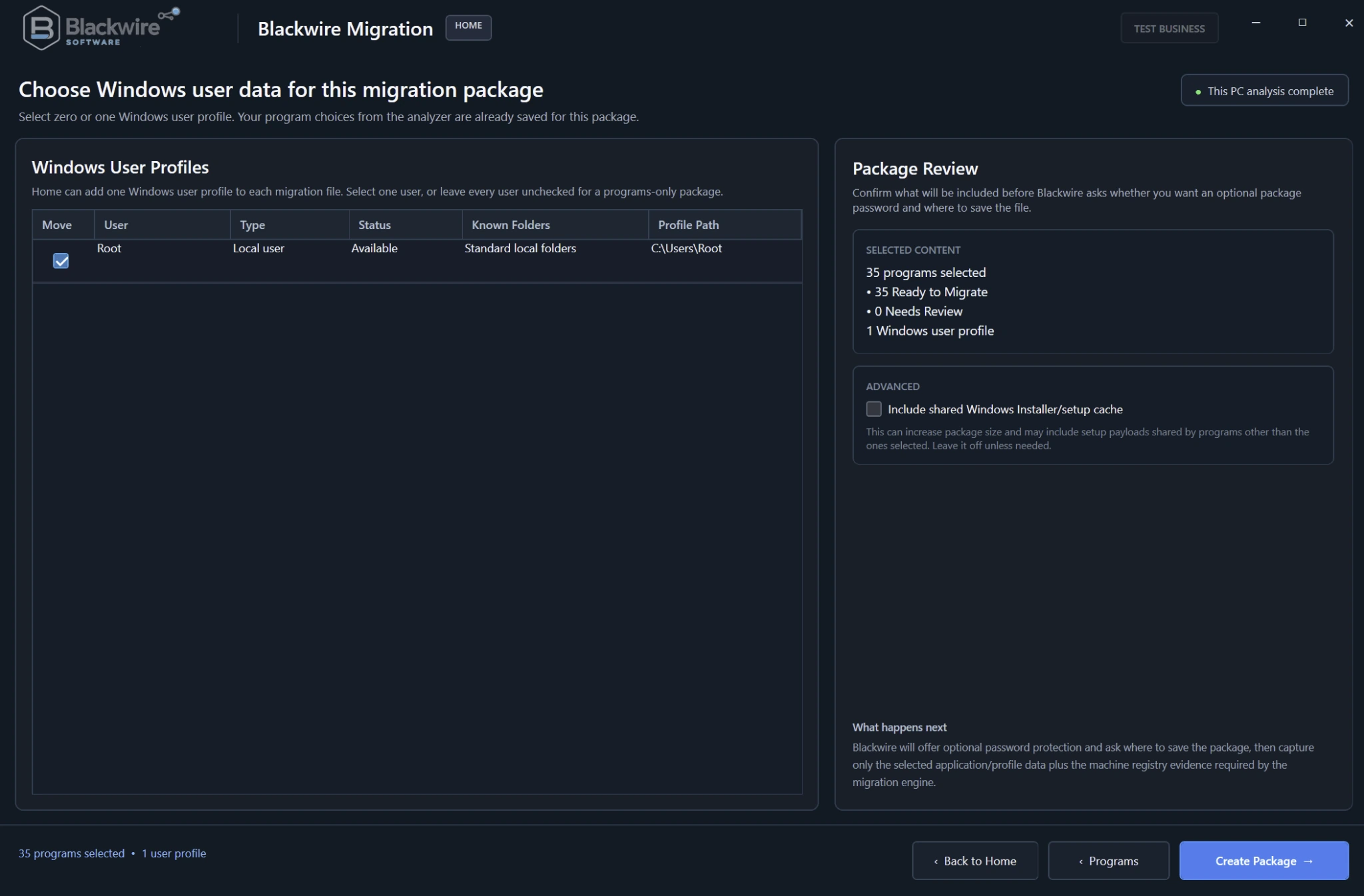
The profile screen then lets the user choose Windows user data separately and review the package contents before creation.
Expected workflow
The restore side is being designed to look at both the migration package and the new Windows installation before it decides what should happen to each selected application.
.bwmigrate package.The migration package
One of the biggest areas under active development is package completeness. Finding out on the new PC that an installer is missing a CAB, patch, transform, or other required source file is exactly what this system is supposed to catch earlier.
Copying an EXE is easy. Recreating an installed application in a way that behaves correctly on another Windows installation is the hard part.
Blackwire is being designed to look at the evidence available for each program and decide whether it has enough material for a reproducible restore. If it does not, that should be visible before the migration is committed.
.bwmigrate package is still a development format. Its contents and structure may change while the migration engine is being hardened.Current development work
The project is still Alpha. We are spending more time on migration accuracy, package completeness, recovery, and verification than on pretending every application can be moved automatically.
Application discovery, exact identification, installer-source recovery, MSI/MSP/MST evidence, provenance, and reducing one-off application special cases.
Visual C++, .NET, shared-runtime detection, dependency preflight, and deterministic migration planning before destination changes are made.
.bwmigrate completeness checks, integrity verification, recovery safeguards, diagnostic evidence, and detecting missing restore material before the destination phase.
Application launch and usability checks, licensing/reactivation detection, reinstall decisions, older application testing, and clearer migration outcomes.
Architecture work
We are also redesigning the architecture so application identities, dependencies, compatibility information, installer behavior, and migration recipes can be updated as knowledge instead of requiring the entire program to be rebuilt every time another application is encountered.
Migration results
Blackwire is intentionally conservative about calling something successful. An application simply opening for a few seconds is not enough evidence that the job is complete.
Licensing and activation
Commercial software may still require the user's existing product key, a vendor account sign-in, or reactivation on the new computer. Hardware-bound, account-bound, non-transferable, or vendor-protected licenses are not something Blackwire Migration is intended to defeat.
The software is being designed to report Needs Reactivation when that is the real state instead of claiming the application is completely ready.
Home and technician workflows
The current plan is one shared application-migration engine. Home and Business should not become two unrelated migration products.
Technician/business workflows are expected to add capabilities such as offline or attached source migration, multiple-profile work, domain-related migration, and other advanced controls. Those details are still being designed and are not final feature commitments.
Alpha / In Development
Blackwire Migration is still in active design, engineering, and testing. The page will be updated as the migration engine, package format, restore verification, and technician workflows mature.