What is the difference between Free, Home Pro, and Business?
Free provides the core personal-use erase, firmware, verification, recovery, and safety workflows at approximately 50% software-overwrite speed with up to two parallel drives. Home Pro adds full overwrite speed, three parallel drives, and a transferable two-computer personal license. Business allows commercial use, unlimited supported parallel drives, professional reports, evidence, branding, signing, and priority support.
Is the Free edition safe?
Yes. Free includes the same destructive-operation warnings, drive-identity revalidation, protected-disk blocking, connection restrictions, recovery protections, and controller-result handling as the paid editions.
Why is Free software-overwrite speed limited?
The limit differentiates the free personal edition from Home Pro while keeping the same methods and safety protections. It affects host software overwrite only.
Does the speed limit affect firmware sanitize commands?
No. Firmware-driven erase and sanitize commands are not artificially slowed in Free.
Can it erase SSDs and NVMe drives?
Yes, using supported host overwrite and connection-dependent firmware workflows. Direct NVMe or other firmware commands require compatible hardware, drivers, controllers, and approved native connections.
Can it erase the Windows system drive?
No. The actively running Windows system disk is blocked, as is the disk hosting the running standalone application or Toolbox host.
Does it work through USB adapters?
Host software overwrite may be available, but USB bridges can hide reliable device identity and block direct firmware commands. The program does not claim unsupported firmware results.
What is the difference between Clear, Purge, and Destroy?
Clear uses logical techniques such as a full overwrite. Purge uses supported device-level techniques with stronger resistance to laboratory recovery when the necessary evidence is available. Destroy is an external physical process that the software can document but cannot perform.
Is one overwrite pass enough?
The selected method and assurance decision depend on the media, connection, policy, errors, verification, and evidence. The application reports what was requested and what actually completed rather than claiming that one method fits every device.
Does TRIM prove that an SSD was sanitized?
No. TRIM or Deallocate is optional cleanup and is not treated as sanitization proof.
What happens if the computer loses power during an overwrite?
Supported software-overwrite jobs can use authenticated checkpoints. The drive is revalidated, writing resumes only from a flush-confirmed durable offset, and verification restarts from the beginning.
Can a paid license be moved to another computer?
Yes. Home Pro and Business support two active computers and a Deactivate This Computer option so the license can be transferred.
What happens after a refund or disabled license?
When online validation confirms a disabled, refunded, revoked, expired, or rejected license, the application returns to Free. Any erase already in progress is allowed to finish safely.
Which edition creates certificates and reports?
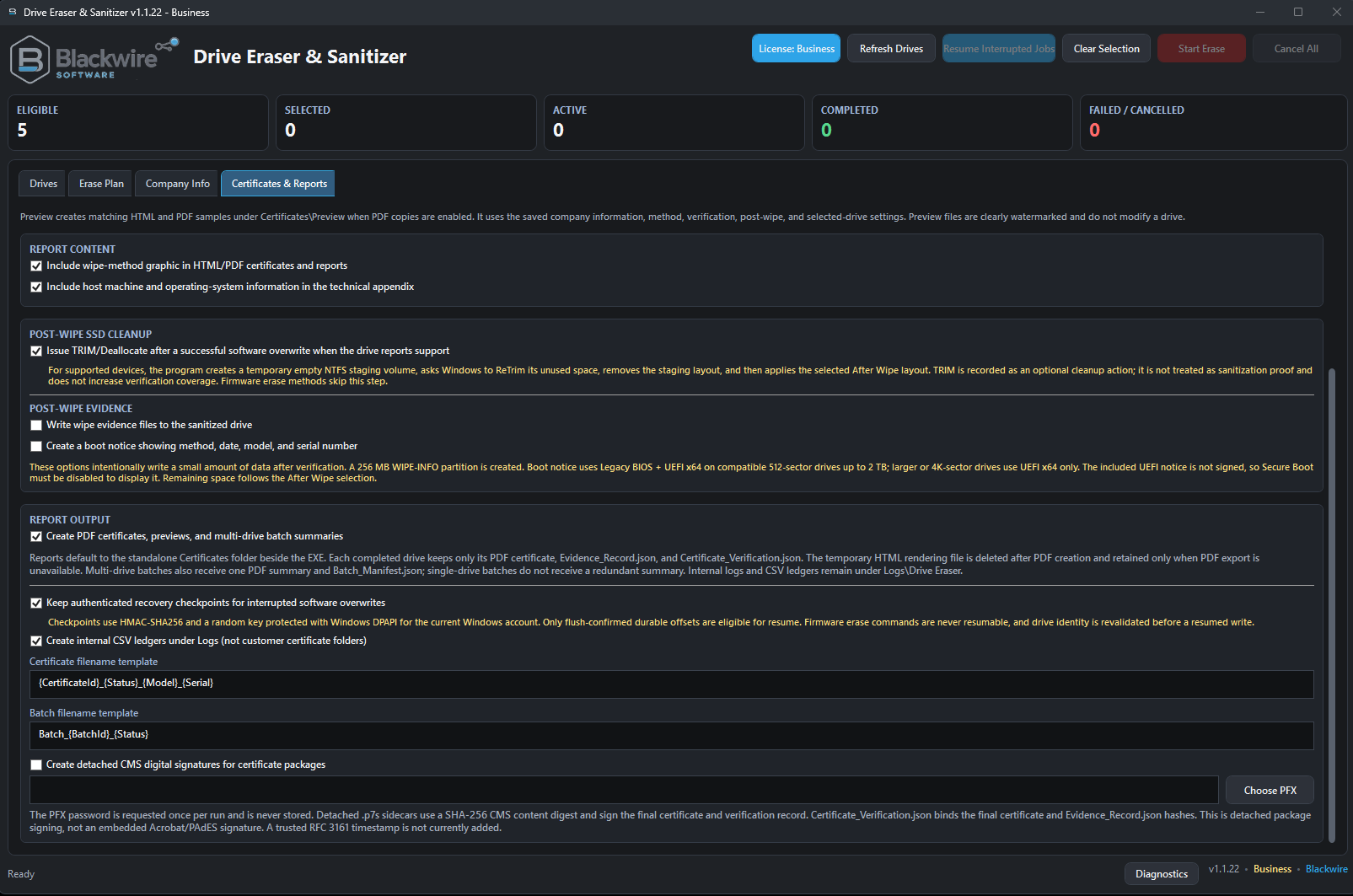
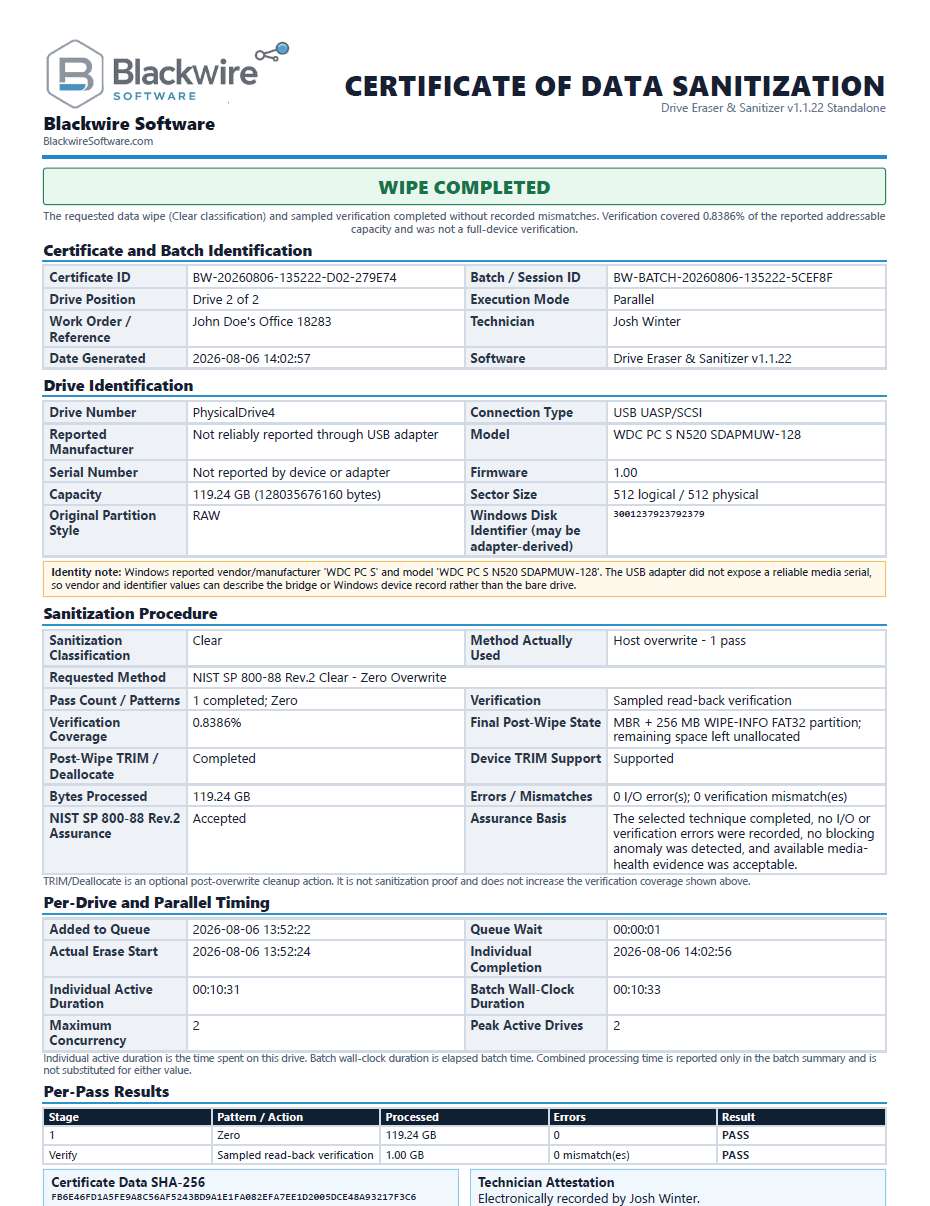
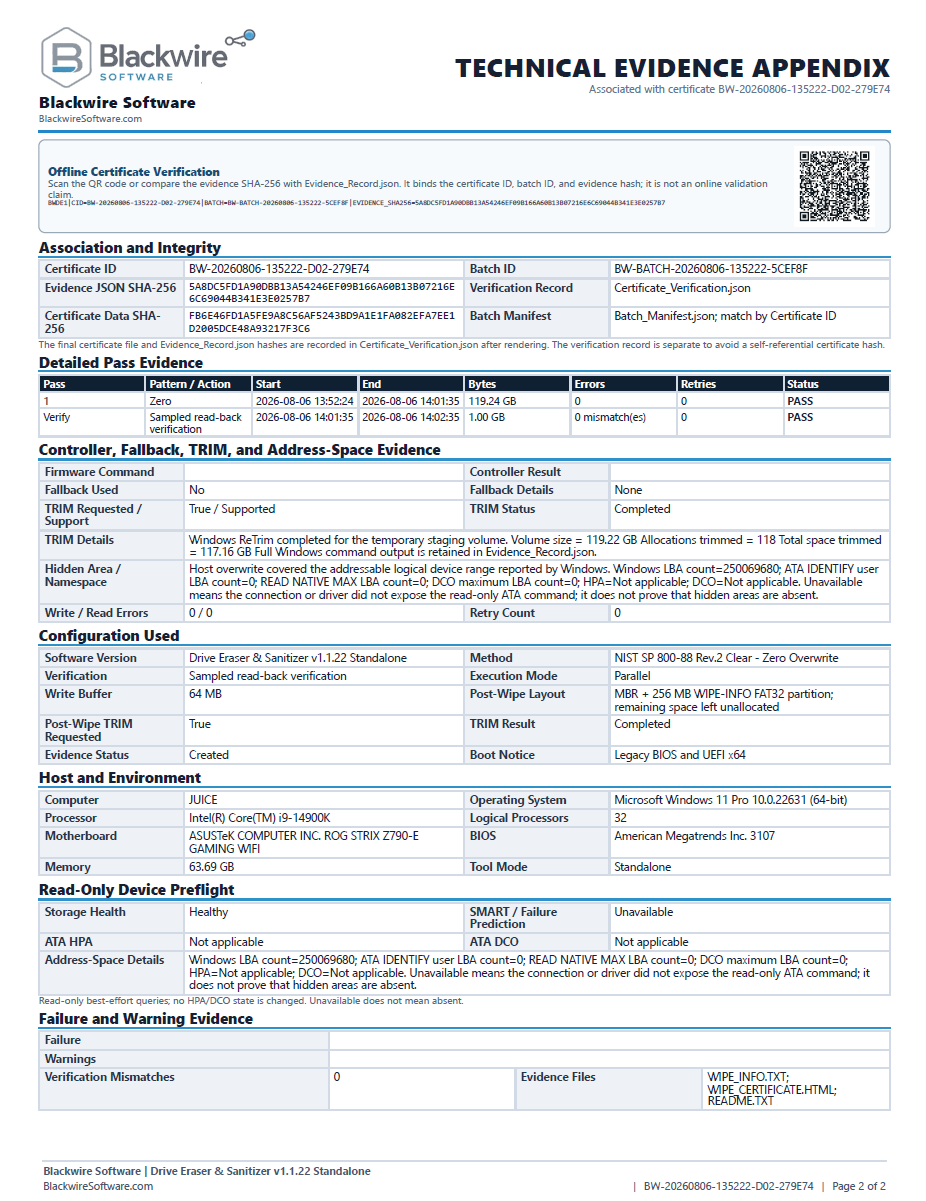
Business. Free and Home Pro do not create PDF certificates, HTML certificates, evidence JSON, verification JSON, batch reports, or company-branded output.
Can Business certificates include my company logo?
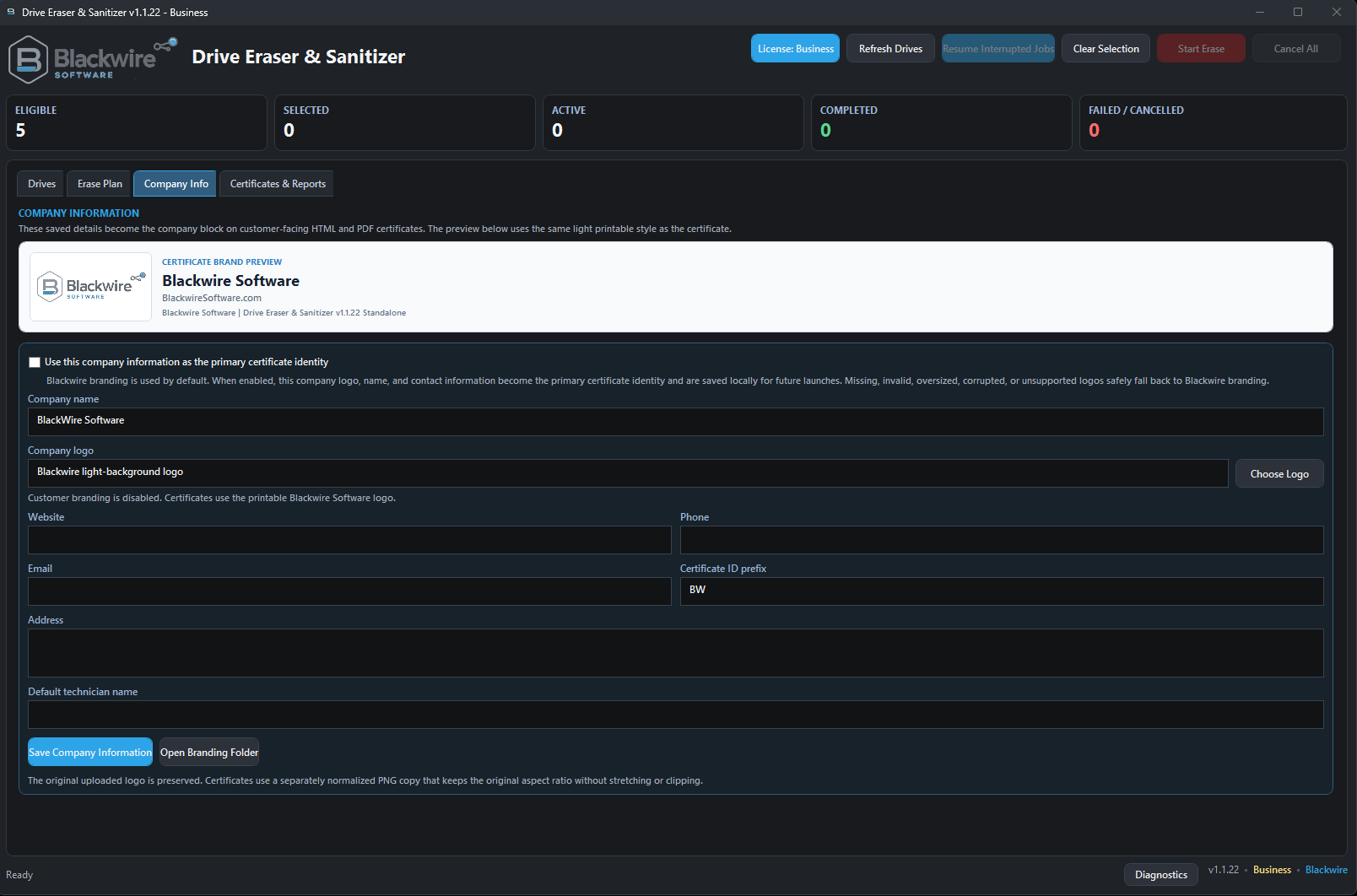
Yes. Business supports company and customer information, a company logo, technician information, customer-branded certificates, optional certificate ID prefixes, and Blackwire-powered branding.
Does the program require installation?
No. It is available as both a standard Windows installer and a portable standalone version. Both formats require administrator privileges for direct physical-drive access.
Is the application digitally signed?
The release page will identify the signing status of the specific installer and portable files. Business report signing with a customer PFX is a separate optional certificate feature.
Does the application physically destroy a drive?
No. It can document an external NIST Destroy process, but it does not crush, shred, disintegrate, melt, or incinerate hardware.