Blackwire Hardware Diagnostics
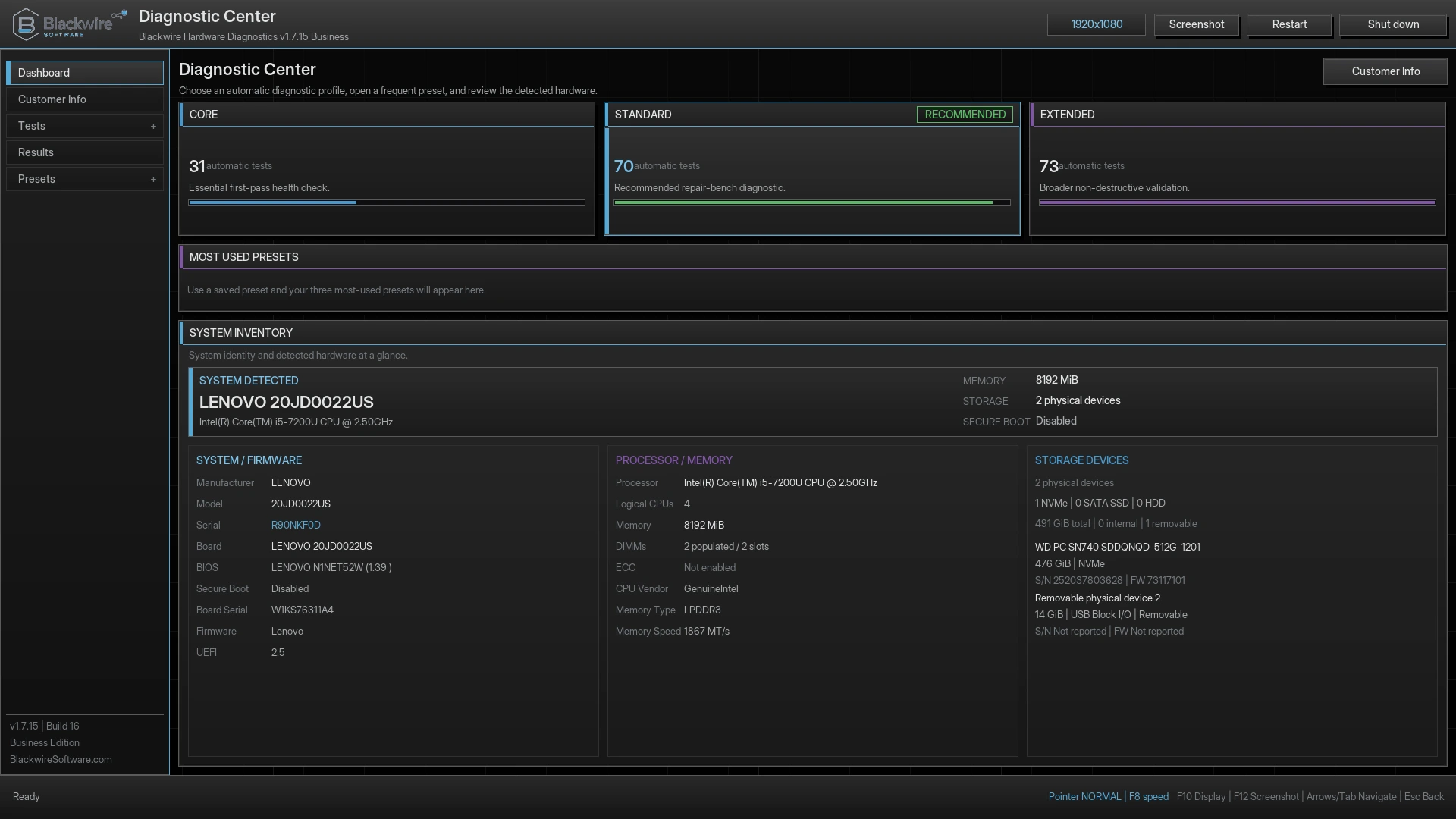
Boot outside Windows and run the real diagnostic engine in Free, or add professional reports, logging, screenshots, customer info, and reusable workflows with Business.
Browse released Blackwire tools by what you're working on: diagnostics, device repair, or drive erasure. Open a product for features, editions, and downloads.
Browse released softwareReleased software
Choose a category to narrow the list. Every released product is available through its own page.
Hardware health, crash evidence, and laptop battery monitoring.
See the system before replacing parts.
Boot outside Windows and run the real diagnostic engine in Free, or add professional reports, logging, screenshots, customer info, and reusable workflows with Business.
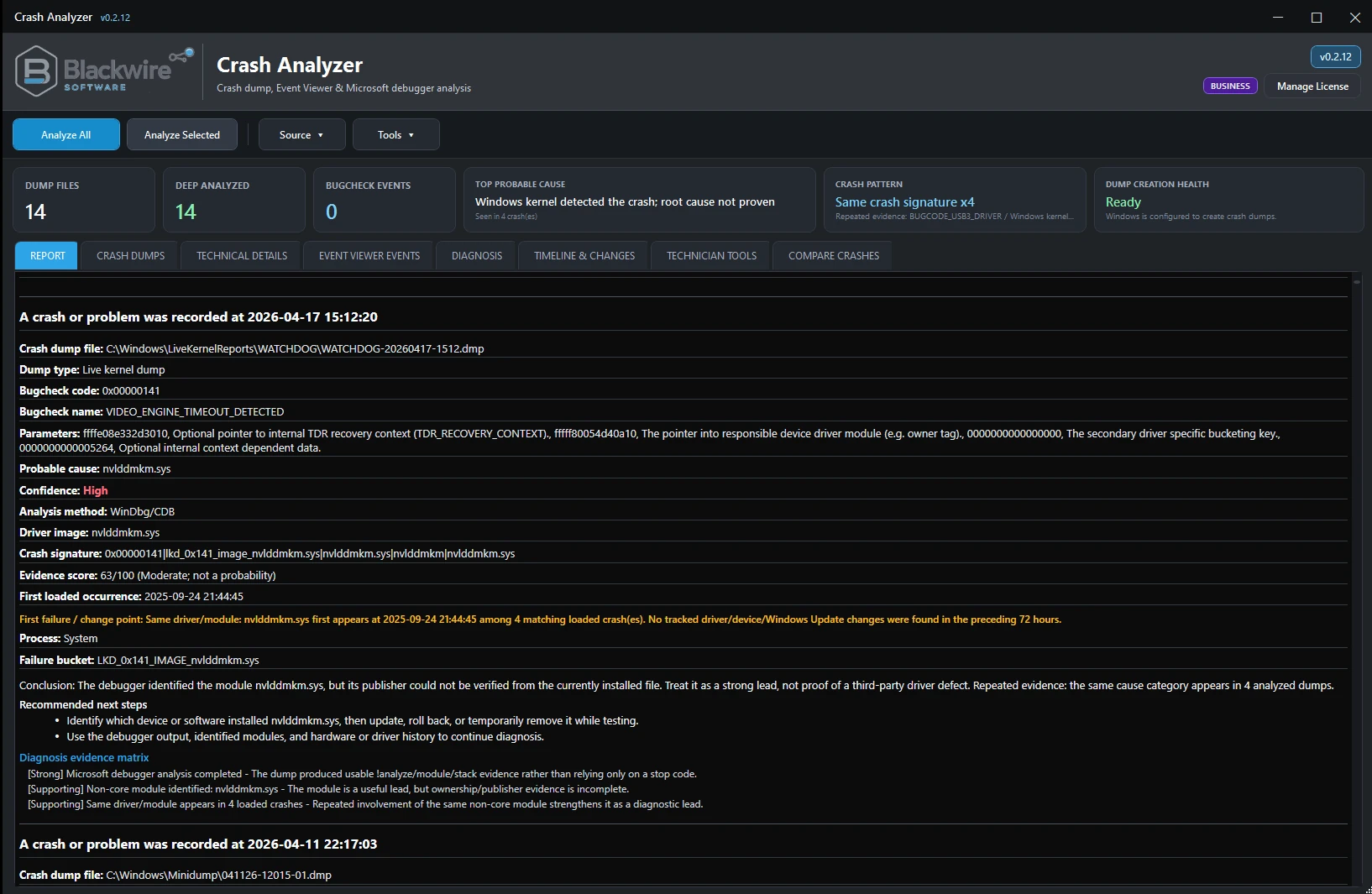
Bring crash dumps, debugger results, Event Viewer evidence, WHEA events, and recurring patterns together to guide a crash investigation.
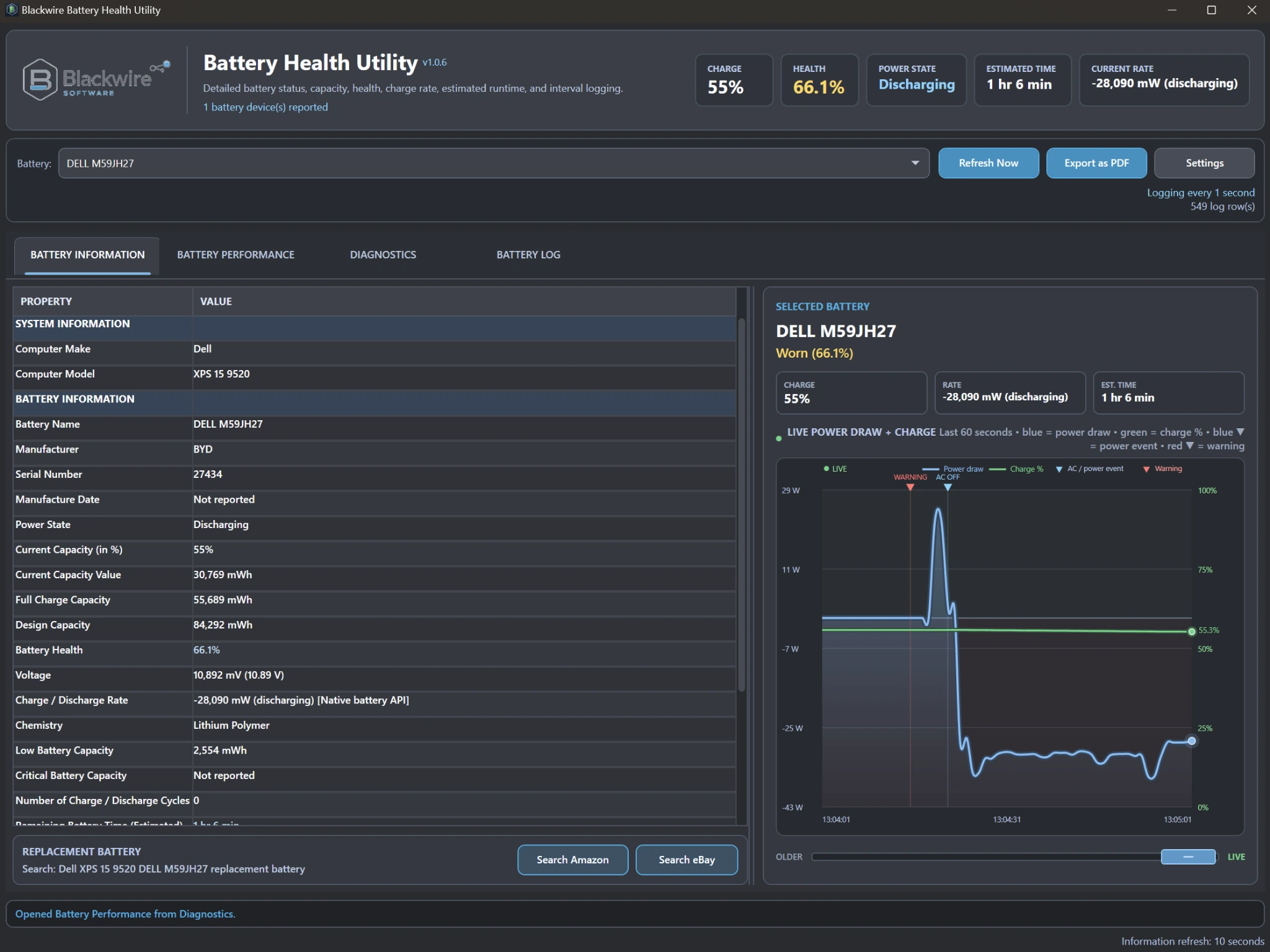
Monitor battery health, capacity, charging behavior, power draw, history, diagnostics, and customer-facing battery reports.
Windows device troubleshooting, driver evidence, and guarded repair tools.
Work the problem without blindly replacing healthy drivers.
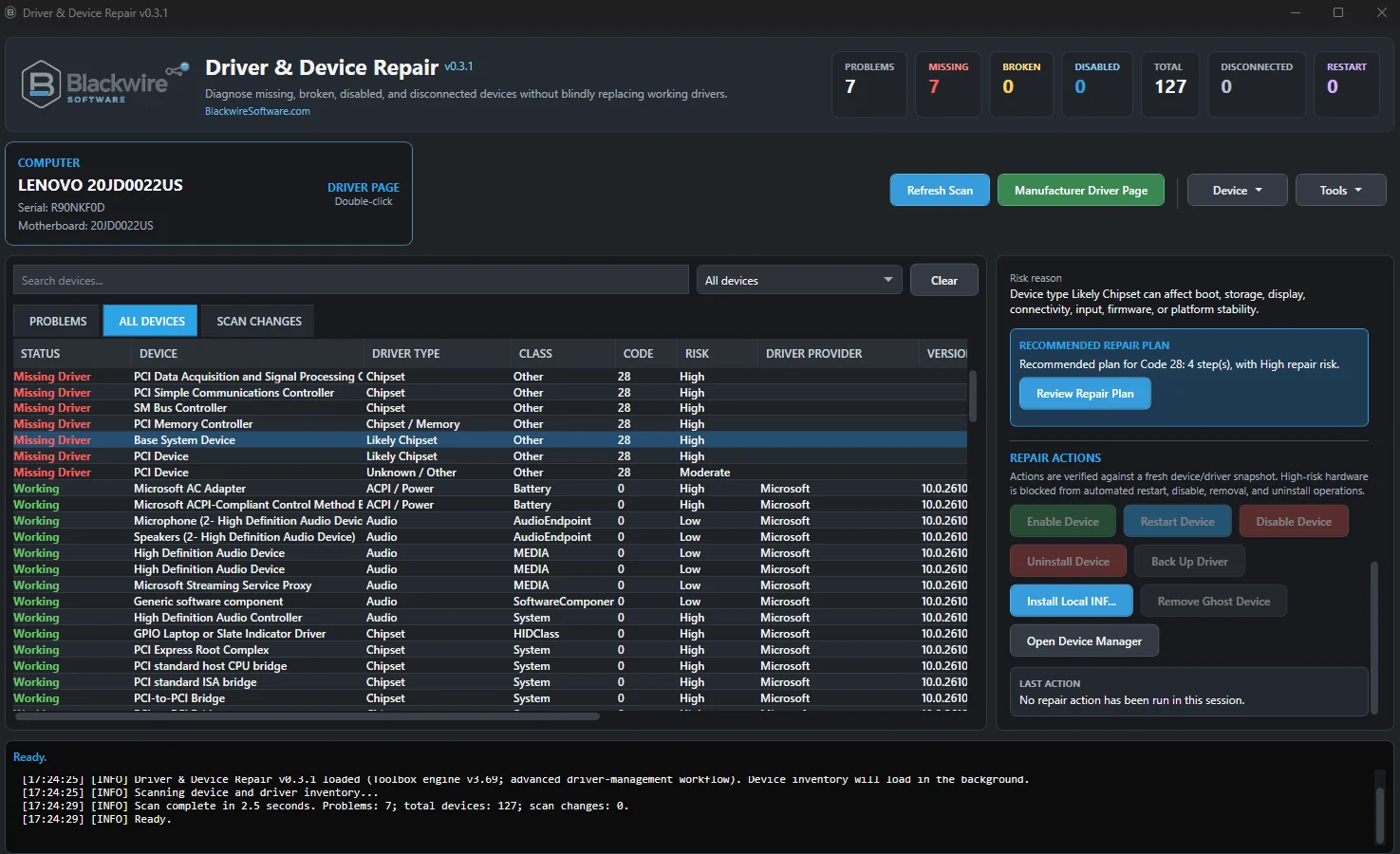
Diagnose missing, disabled, ghost, or problem devices, inspect driver evidence, back up drivers, and use guarded repair tools without blindly replacing healthy drivers.
Drive sanitization, flash-capacity checks, verification, and reporting.
Check flash media before trusting it, or erase drives with safeguards and clear records.
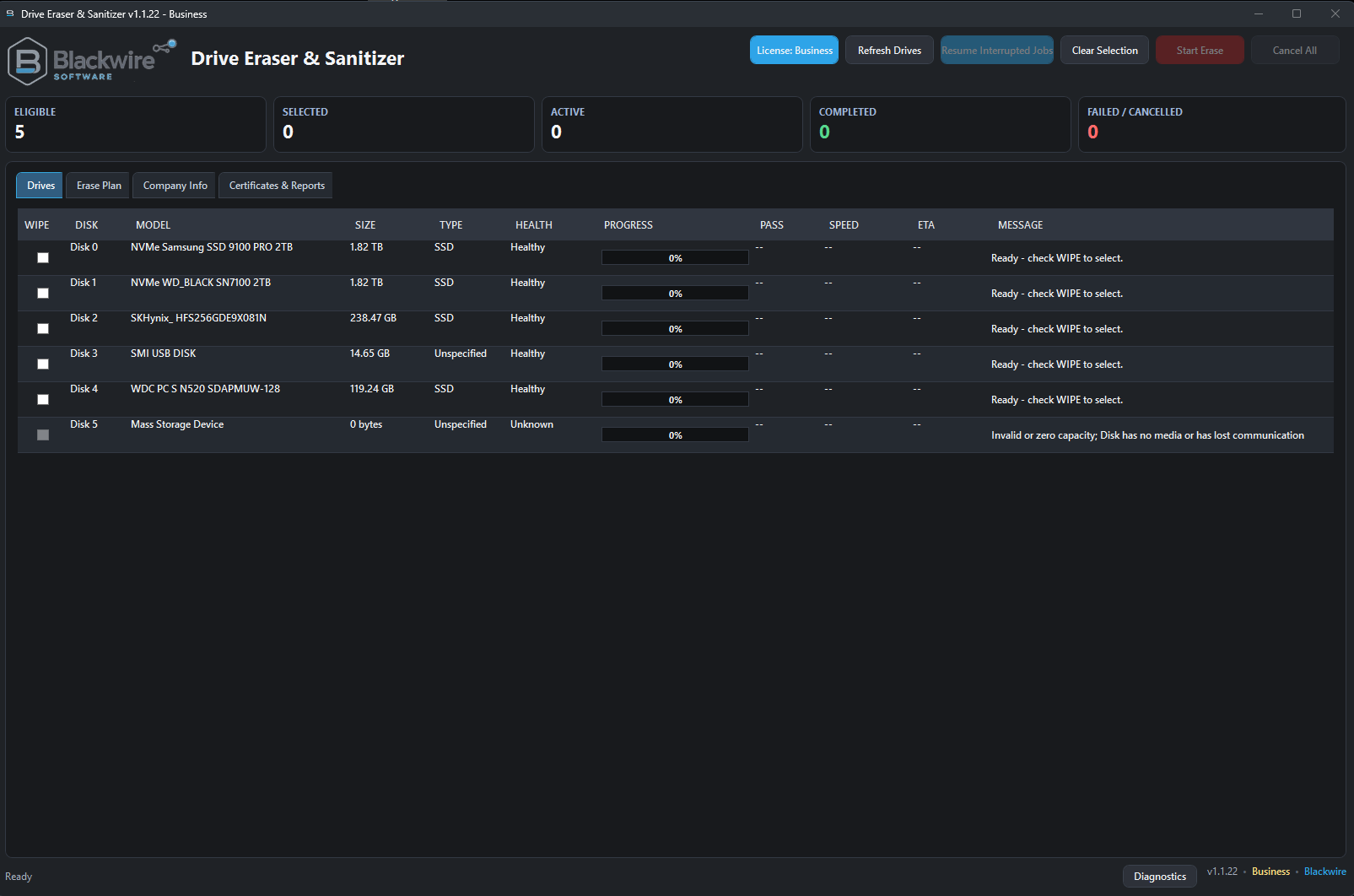
Erase supported drives with identity checks, verification, interrupted-job recovery, and Business certificates and reporting when you need them.
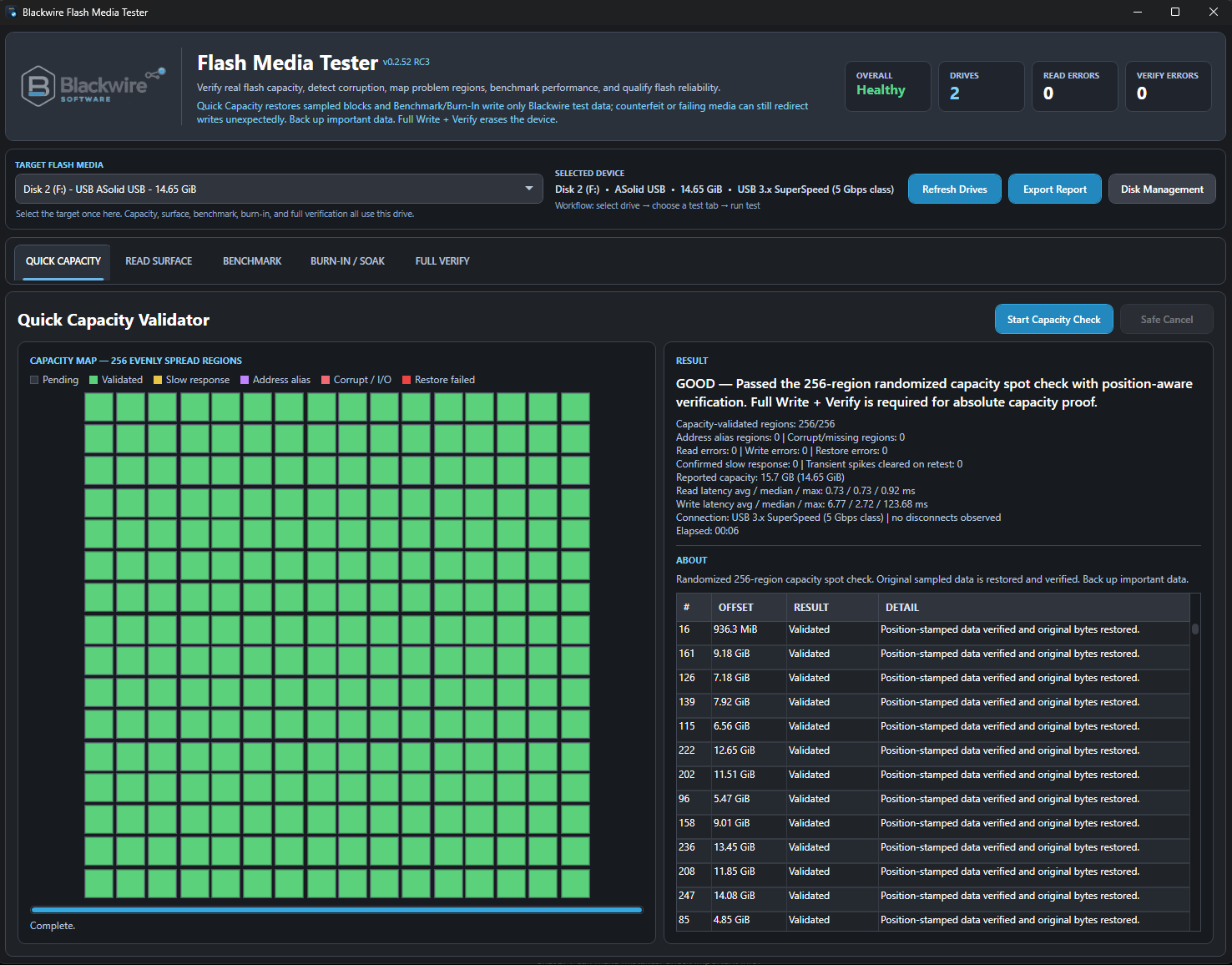
Check reported capacity, data integrity, read errors, and performance on USB drives and memory cards before trusting them with important files.
Separate from released software
Work in progress, not finished downloads. Follow a project for its current scope and testing status.
Built from real repair and IT work. See what goes into Blackwire's tools and the safeguards behind them.
About Blackwire