
 Late Alpha · Recovery migration
Blackwire Omada Recovery Migrator
Offline and recovery migration for harder Omada controller cases.
View development preview →
Late Alpha · Recovery migration
Blackwire Omada Recovery Migrator
Offline and recovery migration for harder Omada controller cases.
View development preview →
What we're building next
Blackwire software currently in development.
These products are still in development. They come from real repair and IT work, but they are not being presented as finished products until the software, packaging, and support experience are ready.
Technician-builtBorn from real repair needs
Evidence-focusedUseful detail instead of guesswork
Guarded workflowsSafety before one-click automation
Public development previewsCurrent status without pretending unfinished software is released
In Development
Three products we are actively building.
There are no public downloads or checkout links for these products yet. The previews are here so you can see what is being built without confusing development software with a released product.
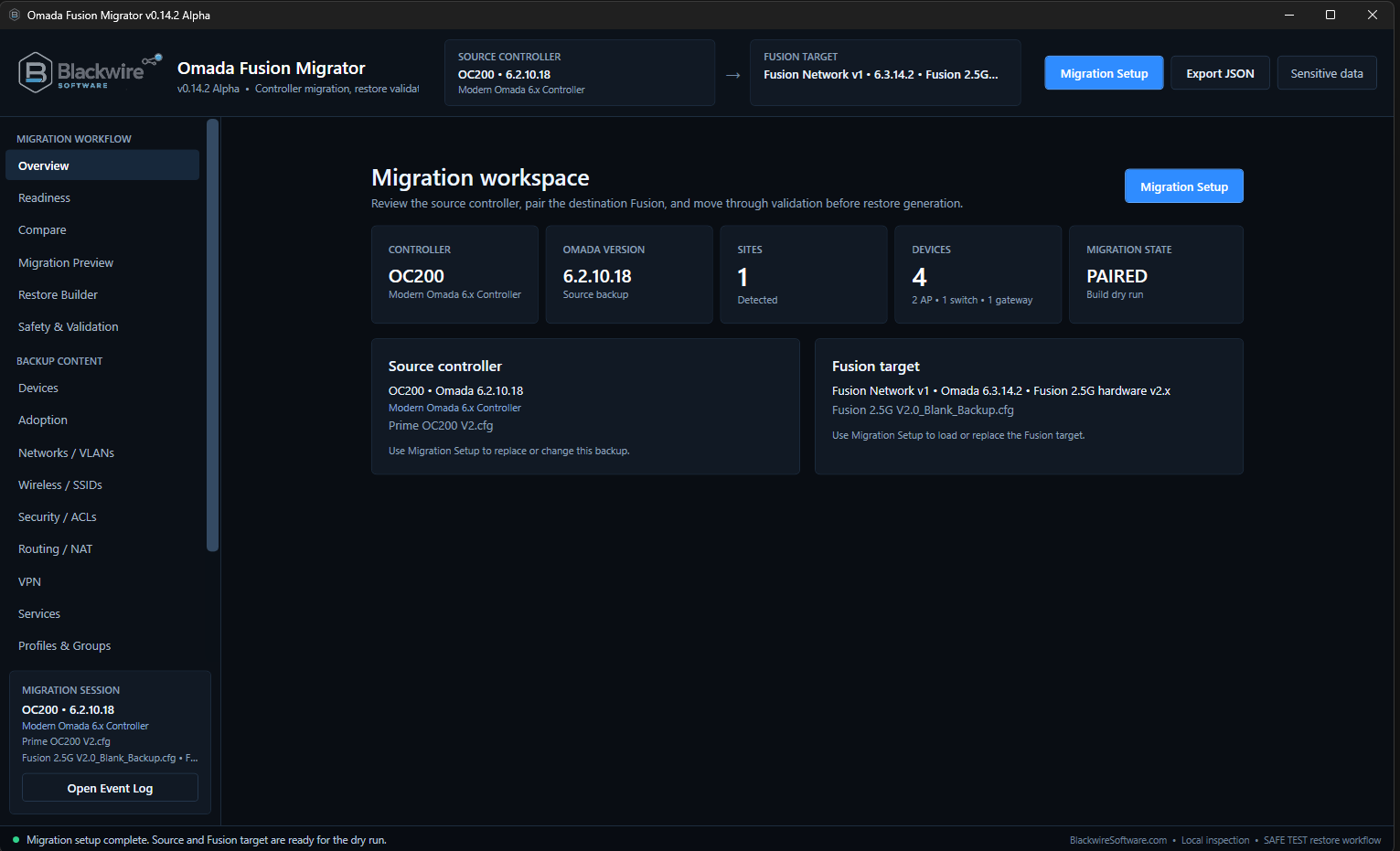
Blackwire Omada Recovery Migrator
A Windows recovery and compatibility migration tool for the harder Omada cases where the old controller cannot participate or the normal Site Migration path cannot complete the job.
Recover the configuration when a normal controller-to-controller migration is not available.
Omada already provides Site Migration for normal supported online moves. Blackwire is being developed for backup-based recovery, failed or unavailable controllers, compatibility gaps, and other cases where the native workflow cannot complete the move.
The current workflow uses a saved source backup plus a fresh backup from the actual destination Fusion, then reviews compatibility, protects destination-owned state, generates a destination-specific restore, and keeps post-restore device trust visible as a separate step. Physical testing covers OC200, OC220, OC300, and Fusion generation-to-generation recovery paths.
Current development focus
- Offline controller backup recovery
- Destination-specific Fusion restore generation
- OC200 / OC220 / OC300 → Fusion compatibility
- Fusion generation-to-generation recovery
- Configuration validation before restore
- Post-restore device adoption / takeover
- Local files plus FTP, FTPS, SFTP, and SCP workflows
Real hardware testingPhysical restore testing now includes OC200, OC220, OC300, and Fusion-to-Fusion paths across both Fusion 2.5G hardware families. Native device takeover has been proven in Fusion-to-Fusion testing, while OC-to-Fusion automated takeover is still awaiting dedicated hardware validation.
In ProgressView Omada Recovery Migrator Preview
Blackwire Migration
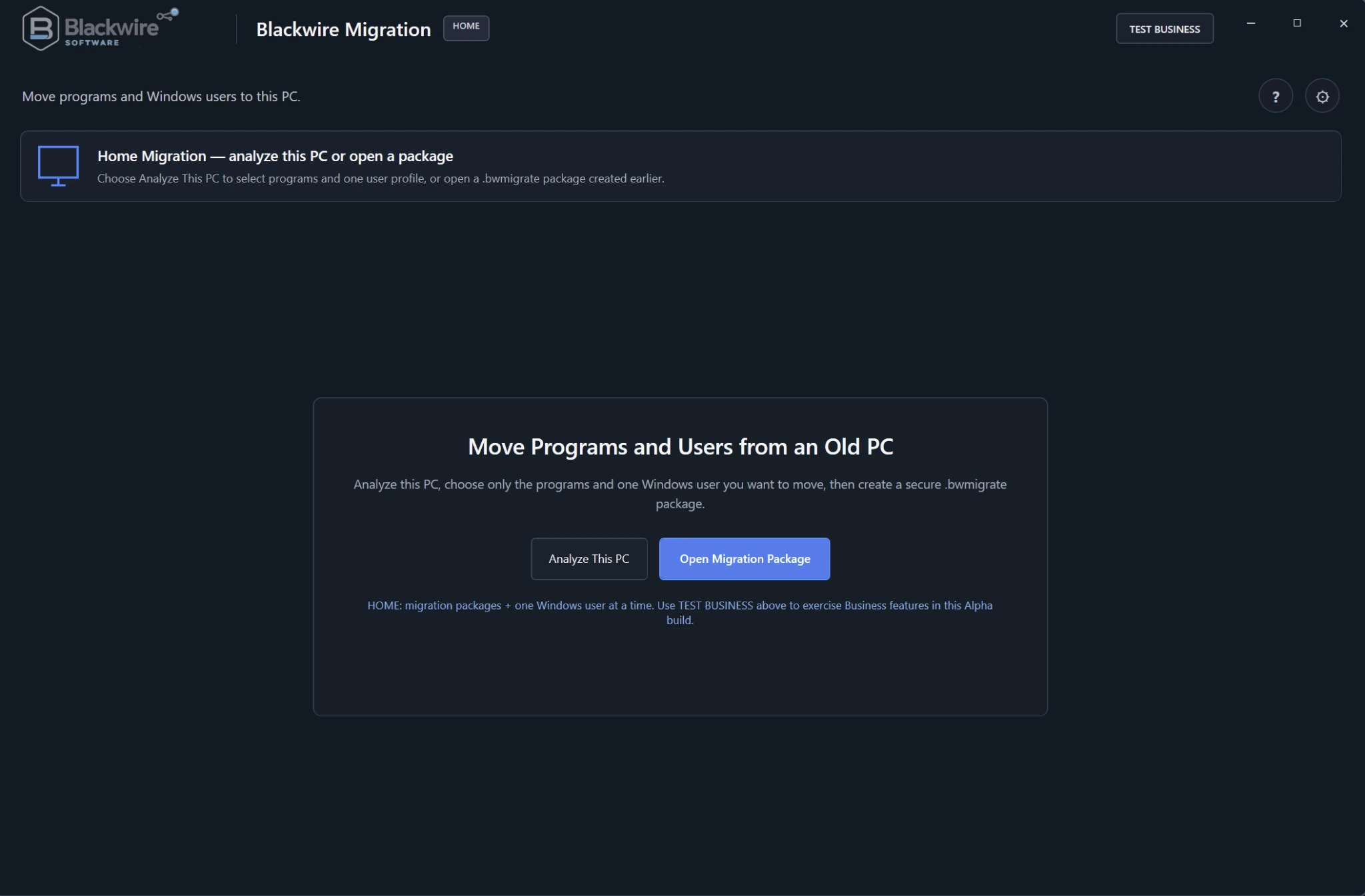
A Windows migration system being developed to move selected applications, settings, and user profiles to another PC while clearly showing what can be restored, what needs review, and what requires reinstallation or reactivation.
Move the old PC without pretending every application is just a folder copy.
Blackwire analyzes programs, installers, dependencies, user profiles, and other migration evidence before creating the migration package.
Program and profile migration stay separate so the user or technician controls exactly what is moved.
Current development focus
- Application discovery and installer recovery
.bwmigratepackage completeness verification- Dependency and runtime preflight checks
- Deterministic migration planning and recovery safeguards
- Launch, usability, reinstall, and reactivation results
- Home and technician-oriented migration workflows
No release date plannedBlackwire Migration is still in active design, engineering, and testing. The current Alpha screenshots and workflows can change as application restore and package verification continue to mature.
In DevelopmentView Blackwire Migration Preview
Blackwire Artifact Signing Manager
A Windows application for teams that use Microsoft Artifact Signing but do not want to rebuild the same command-line signing and verification process for every release.
Install. Connect. Discover. Sign. Verify.
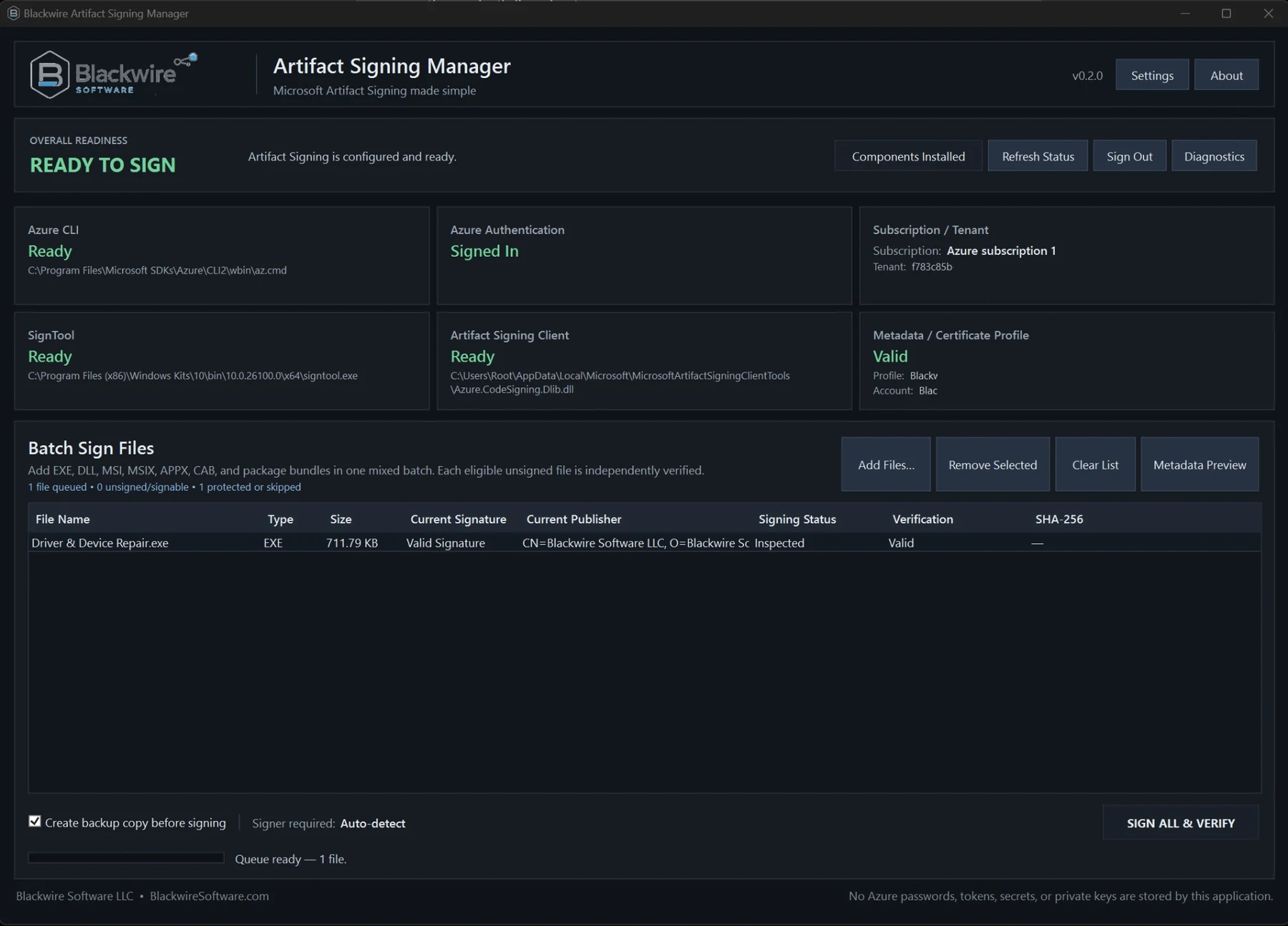
Artifact Signing Manager checks the required Microsoft tools, helps with missing prerequisites, uses Microsoft's supported Azure sign-in, discovers the customer's Artifact Signing setup, and manages signing from a Blackwire desktop app.
Normal non-secret settings can be saved locally. Azure passwords, private signing keys, client secrets, and manually captured access tokens are not stored by the Blackwire app.
Current product direction
- Normal Blackwire installer, activation, upgrades, and uninstallation
- Azure CLI, SignTool, and Artifact Signing Client detection
- Automatic subscription, account, certificate-profile, and endpoint discovery
- Batch signing for common Windows release artifacts
- Expected-publisher, Authenticode, timestamp, and final SHA-256 verification
- Local diagnostics, history, reports, backups, and managed application data
Microsoft-backed workflowMicrosoft Artifact Signing performs the actual signing operation. A Blackwire license controls access to Artifact Signing Manager and does not provide or bypass Microsoft's account, certificate, identity-verification, or Azure-permission requirements.
Coming SoonView Artifact Signing Manager Preview
Why these products exist
These projects started with real technical problems.
Many Blackwire ideas started as internal tools because the commercial option was unavailable, too expensive for the job, or simply not something the workplace was going to buy.
We are rebuilding those ideas independently so they can be useful outside the environment where they started.
Blackwire Software LLC
Looking for software you can use now?
The Software page lists the released Blackwire products, current editions, screenshots, and download or purchase options.